

Navman allows the MT201 iFace Tablets to receive Wi-Fi credentials from TN360 so it can connect to Starlink and be used for realtime Sentinel/EWD Reporting, Messaging, Inspections, SmartJobs and downloading the latest maps.
Starlink offer two Plans, Business and Residential/Single Account Holder. For adding Wi-Fi Credentials from TN360 to your MT201 iFace Tablet for the Residential/Single Account Holder or Truck, follow these steps:
In TN360, go to Settings -> Administration -> WiFi and Click Add New WiFi in the top-right corner https://tn360-au.telematics.com/settings/wifi
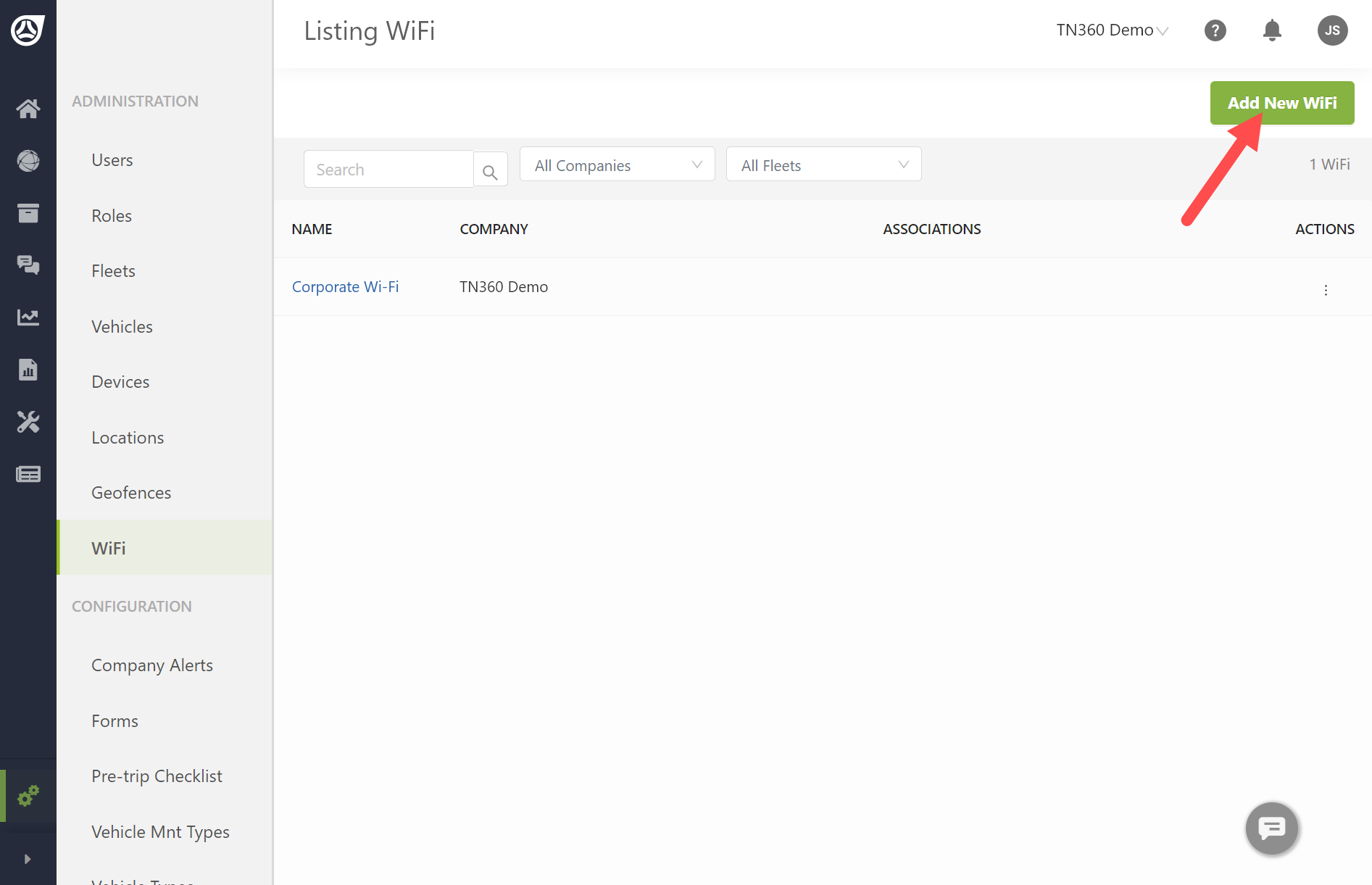
2. Enter a Wi-Fi Name usually the Vehicle Name + “Starlink”
3. Assign the Wi-Fi information to a company, fleet, or multiple fleets.
Selecting a company assigns the WiFi to all fleets and vehicles
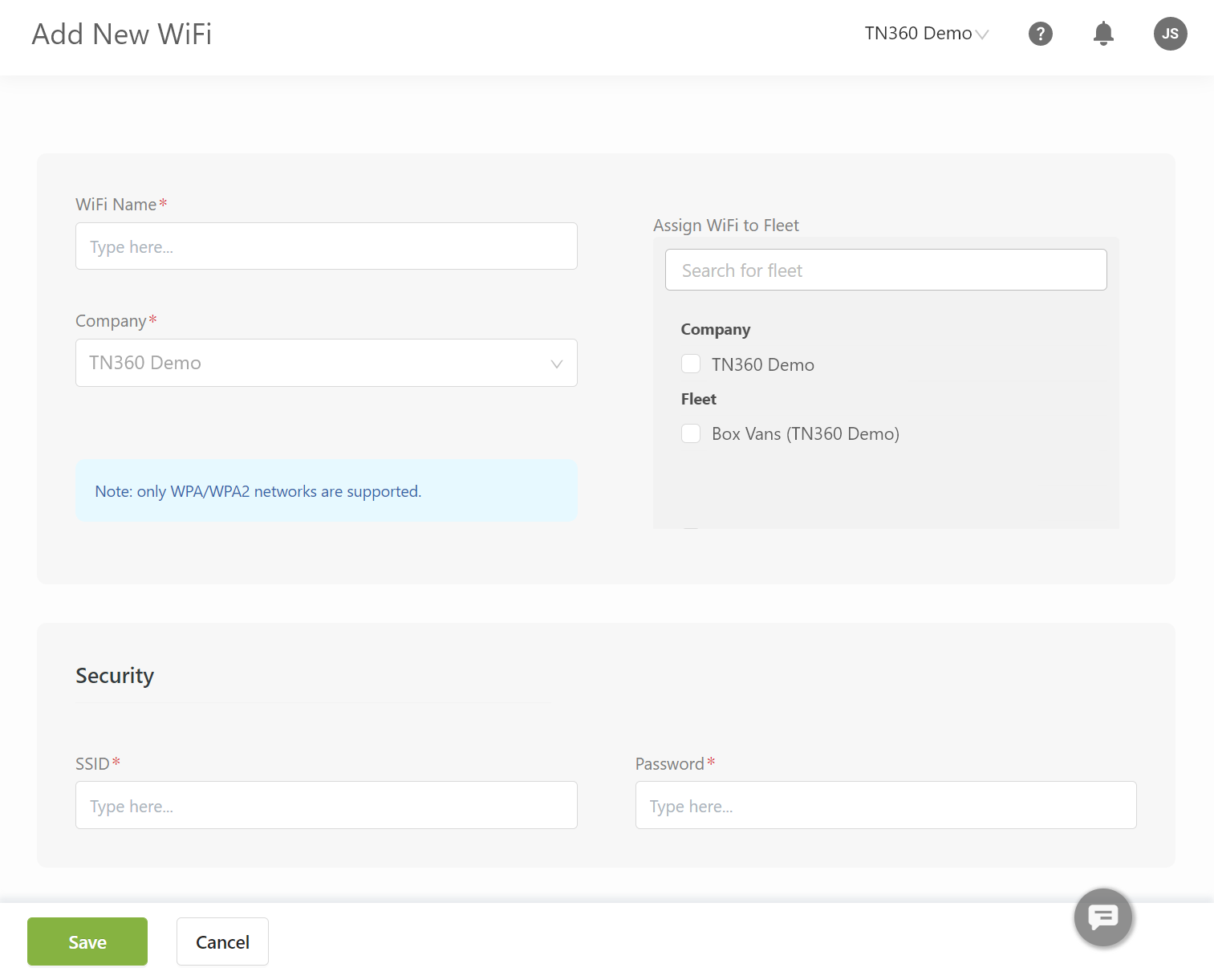
4. Enter the Wi-Fi network service set identifier (SSID) from the Starlink in the Vehicle (contact the usual Driver of the Vehicle)
5. Enter the Wi-Fi password from the Starlink
6. Click Save
The WiFI credentials will be sent to all MT201 devices in the fleets you selected when they are next on 4G network.
Starlink Business Plan enables centrally administered Starlink devices. The process for creating a TN360 WiFi and sending to a tablet is similar, however, one Starlink SSID and Password are centrally managed rather than by each Driver and device. Please contact your Starlink Administrator.

